Your practice may have one or several tax preparers working on returns in the TOP. Once the returns are finalized with the clients, they need to be backed up and transferred to a central server for submission to the authorities. For your practice it’s very efficient and effective to see who has done what at any given time. Preparers and Admins both can initiate the Backup for the returns marked as Finalized in the TOP. For your practice it’s very efficient and effective to see who has done what at any given time.
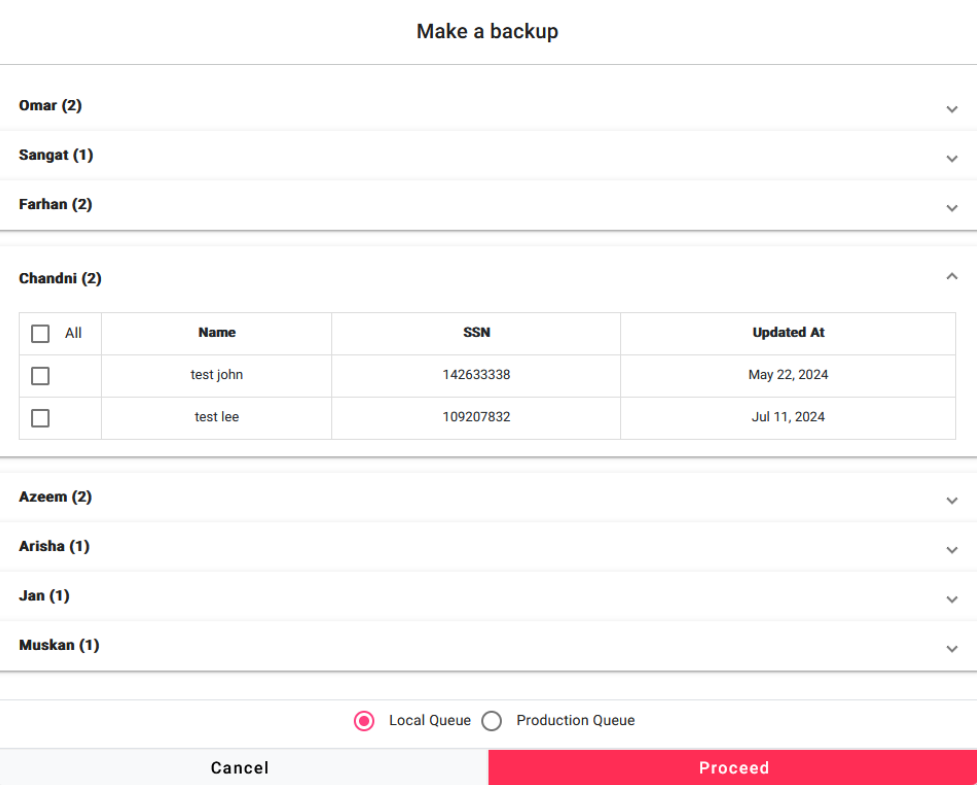
Admins can see all the preparers with their respective returns to make a backup.
Admins can select all or selective preparers to make a backup.
Admins can select all or selective returns to make a backup.
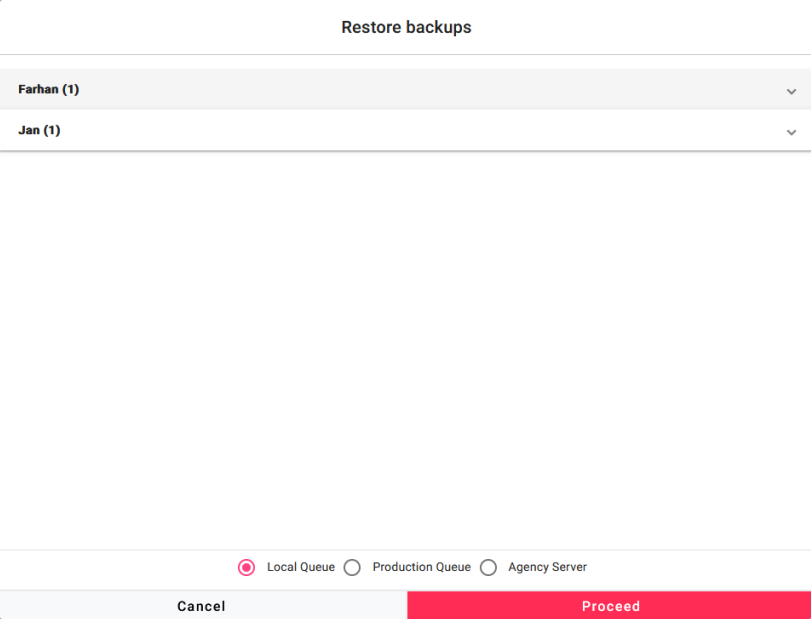
Restoring and transferring returns is necessary when you need to move returns from one machine to another. This functionality allows your tax practice to transfer the desired returns to your preferred location.